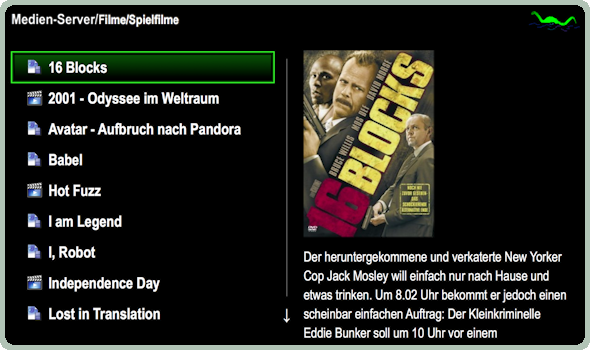

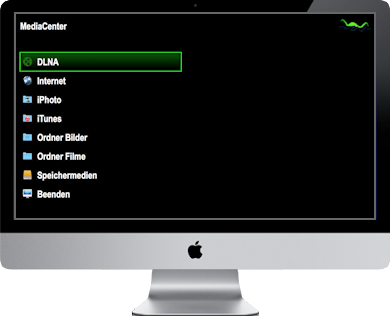
Internet movies, Aperture and iPhoto albums, iTunes media, Miro video podcasts, local media at picture / movie folder and volumes can be selected easily & comfortable.
Though plenty of different media is supported: DVDs, EyeTV movies, PDF documents, pictures and videos in all common formats.
Media center and media presentations can be controlled by Apple remote control, NV Remote for iPhone and iPod touch or keyboard.
Home entertainment as its purest - comfortable and relaxing, from the couch, armchair, bed or directly at the Apple computer!
Enjoy thousends of cinema movies, music videos or serials from the internet! Or get informed about the daily news.
There are plenty of internet providers offering interesting video content - but you must know them and every provider has its own design and navigation.
With nessMediaCenter the internet content of the supported providers is offered in a menu structure which looks always the same.
And either single or multiple entries - even provider categories - can be selected ad hoc and will be presented continiously.
Just lean back and enjoy!
Aperture and iPhoto are great applications to organize pictures and videos in albums.
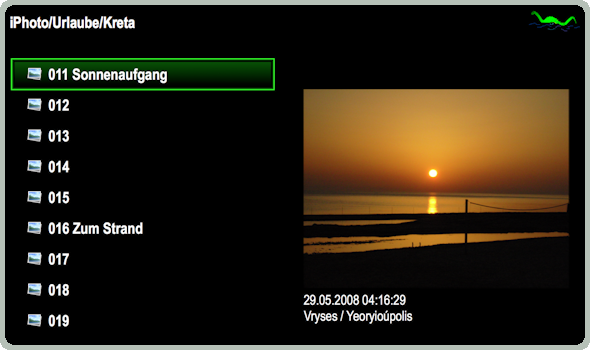
nessMediaCenter offers these albums and media on the left side in the familiar menu structure. Informations like date taken and available geo data (country, place) will be extracted and displayed on the right side below the preview.
One or multiple albums or single media from different albums can be selected e.g. by remote control and presented continously.
The current iTunes music will continue to play and video sound will be surpressed.
iTunes is the place to organize and enjoy your music.
But what to do if you are sitting on your sofa and hearing a song you do not want to listen to anymore? Or you would like to hear another playlist?
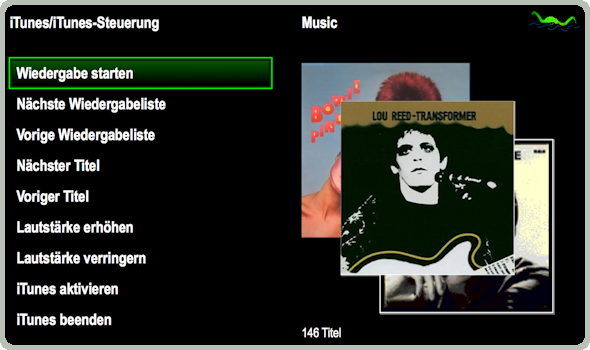
With nessMediaCenter you can remote control you music: just take the remote control and switch to another song or playlist. With "NV Remote" you can even control the music from another room!
But that is not all: choose your (bought or rented) movies, podcasts or TV shows comfortable and watch them in iTunes. During the presentation iTunes can be remote controlled to e.g. pause or rewind the current media.
We like media like pictures, DVDs and movies very much. And the way Mac OS X helps us to organize these media.
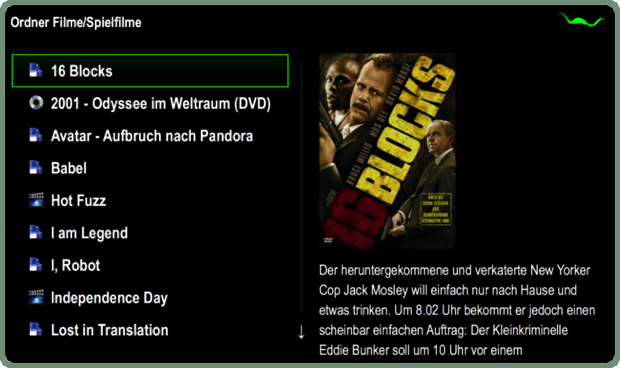
Not all media fits into iPhoto or iTunes. Picture and movie folder is the place for these media. And external volumes the place for hundreds of cinema movies recorded e.g. by EyeTV.
But how to start e.g. EyeTV movies which are not in the archive? Or even worse: the EyeTV application is not installed on this Mac at all?
nessMediaCenter can start your EyeTV movies, DVDs or QuickTime movies (e.g. AVI, DivX) from wherever they are stored. And if you install VLC then you can start EyeTV movies without the EyeTV application.